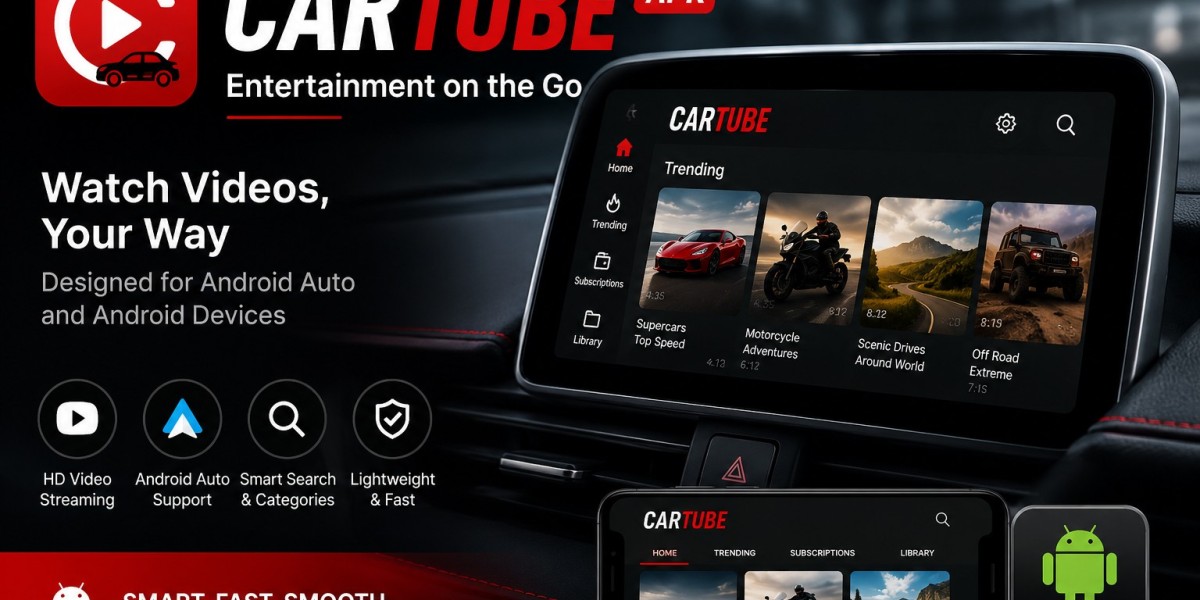

CarTube
Are you looking for an easy way to watch YouTube on Apple CarPlay without jailbreaking your iPhone? If yes, then CarTube is the app you need. CarTube lets users enjoy YouTube videos on CarPlay without modifying or jailbreaking their devices.
The app is simple to install and provides a smooth YouTube experience directly on compatible CarPlay systems. If you want to watch videos while your vehicle is parked, CarTube can be a useful solution.
Main Content
CarTube – Watch YouTube on CarPlay/Android Auto (FREE, 2026)
Apple CarPlay does not officially support video streaming apps like YouTube, Netflix, or other entertainment services because of safety reasons. Watching videos while driving can be dangerous and distracting.
However, if your vehicle is parked and you want to watch YouTube videos on your CarPlay screen, CarTube makes it possible without requiring a jailbreak.
CarTube – YouTube on CarPlay (LATEST)
Many applications allow YouTube on CarPlay, but most of them require a jailbroken iPhone. Since many users prefer not to jailbreak their devices, CarTube offers a safer alternative.
CarTube works through TrollStore and allows compatible iPhone users to install YouTube on CarPlay without modifying their devices.
App Information
| Feature | Details |
|---|---|
| App Name | CarTube |
| Latest Version | v1.3 |
| Size | 561 KB |
| Platform | iOS |
| Cost | Free |
| Jailbreak Required | No |
| Installation Method | TrollStore |
| Category | CarPlay Utility |
After installing CarTube, users can enjoy YouTube directly on supported CarPlay systems without paying any subscription fees.
What Makes CarTube Extremely Popular?
CarTube has become popular because it gives users access to YouTube on CarPlay without jailbreaking their devices.
Some reasons why users like CarTube include:
Completely free to use
No jailbreak required
Ad-free YouTube experience
Easy installation process
Smooth and simple interface
Works with TrollStore-supported devices
Supports YouTube playback directly on CarPlay
These features make CarTube one of the most popular CarPlay video solutions available.
CarTube – Complete List of Features
CarTube comes with many useful features that improve the YouTube experience on CarPlay.
Full YouTube Experience
The app provides access to most YouTube features, including videos, playlists, comments, and search functions.
No Advertisements
Users can watch videos without annoying advertisements interrupting playback.
Age Restriction Bypass
Some age-restricted videos can be viewed without additional restrictions.
Easy Navigation
Swipe gestures allow users to move between videos quickly and smoothly.
Clipboard Support
Copied YouTube links can be pasted directly inside the app for faster access.
CarPlay Integration
CarTube brings YouTube support directly to Apple CarPlay systems.
Sponsor Block
The app can automatically skip sponsored segments in supported videos.
Premium-Like Experience
Many users compare CarTube to a free version of YouTube Premium because of its ad-free experience and additional features.
Compatibility
Before installing CarTube, users should make sure their device supports TrollStore.
CarTube mainly works on iPhone and iPad devices that support TrollStore installation.
Compatible iPhone Models
iPhone 18 Series
iPhone 17 Series
iPhone 16 Series
iPhone 15 Series
iPhone 14 Series
iPhone 13 Series
iPhone 12 Series
iPhone 11 Series
iPhone X Series
iPhone 8 Series
iPhone 7 Series
iPhone 6 Series
iPhone SE
iPhone 5s
Compatible iOS Versions
iOS 14
iOS 15
Selected iOS 15.5 Beta versions
Selected iOS 15.6 Beta versions
Compatibility may vary depending on the latest updates and TrollStore support.
Install CarTube IPA on CarPlay with TrollStore (No Jailbreak)
Installing CarTube is simple if TrollStore is already installed on your device.
Step 1
Download the latest CarTube IPA file.
Step 2
Open the IPA file using TrollStore.
Step 3
Allow TrollStore to begin the installation process.
Step 4
Wait for the installation to finish.
Step 5
Launch CarTube from your home screen.
Step 6
Connect your device to Apple CarPlay and enjoy YouTube videos.
What is the Latest Version of CarTube IPA?
The latest version of CarTube is v1.3.
This version includes several improvements:
Better user interface
Smoother navigation
Native YouTube player support
Age restriction bypass
Built-in ad blocker
Fixed scrolling issues
Improved login experience
Better keyboard support
Bug fixes and performance improvements
CarTube – Steps to Block Ads
Blocking ads in CarTube is very easy.
Open the CarTube app.
Go to Settings.
Find the "Block Ads" option.
Turn it ON.
After enabling this feature, advertisements will be blocked during playback.
Is CarStream better than CarTube?
The answer depends on your device.
For Android users, both CarStream and CarTube may be available.
For iPhone users, CarTube is often the preferred option because it works without jailbreak on supported devices.
CarTube focuses on simplicity, safety, and smooth YouTube playback.
Common Errors & Fixes – CarTube
Issue 1 > Unable to install CarTube on Android Auto
Solution: Try reinstalling the app or using a compatible Android Auto version.
Issue 2 > CarTube App not coming up on Android Auto
Solution: Reset Android Auto settings and reconnect your device.
Issue 3 > CarTube App is crashing frequently on iPhone
Solution: Free up storage space and restart your device.
Issue 4 > CarTube warning message not going away
Solution: The warning may remain while the vehicle is moving for safety reasons.
Issue 5 > Black Screen coming on CarTube with Apple CarPlay
Solution:
Reinstall the app.
Check compatibility.
Ensure TrollStore is working properly.
Restart your device.
Are there any CarTube Alternatives (Similar Apps)?
Several alternatives provide similar features.
Wheelpal
Wheelpal allows users to run many applications on CarPlay, but it usually requires a jailbroken device.
CarBridge
CarBridge is another popular option that enables unsupported apps on CarPlay.
NGXPlay
NGXPlay supports video streaming services on jailbroken iPhones.
CarPlayEnable [Also Known as CarPlayCast]
This lightweight tweak focuses mainly on YouTube playback for jailbroken devices.
Frequently Asked Questions [FAQs]
Q – What is the Best Way to Enable YouTube on CarPlay?
CarTube is one of the easiest methods for compatible devices because it does not require jailbreak.
Q – Does CarTube Require Jailbreak?
No, CarTube works without jailbreak.
Q – How to Download the Latest CarTube IPA?
Download the latest IPA version from a trusted source and install it using TrollStore.
Q – How to Watch YouTube on Apple CarPlay Without Jailbreak?
Install CarTube through TrollStore and connect your device to CarPlay.
Q – Is CarTube Ad-Free?
Yes, CarTube includes ad-blocking functionality.
Q – Is CarTube Safe?
Since it does not require jailbreak, many users consider it a safer option than traditional jailbreak solutions.
Q – Why CarTube does not work on the latest iOS releases?
Some newer iOS versions are not compatible with TrollStore, which CarTube depends on.
Q – Is CarTube Free?
Yes, CarTube is completely free to use.
CarTube – Play YouTube Videos on Apple CarPlay
CarTube provides a simple way to enjoy YouTube videos on Apple CarPlay without jailbreaking your iPhone. It offers useful features such as ad blocking, smooth playback, and easy installation through TrollStore.
For safety reasons, always use video streaming features only when your vehicle is parked. Watching videos while driving can be dangerous and may distract you from the road.
Enjoy your entertainment responsibly and stay safe.