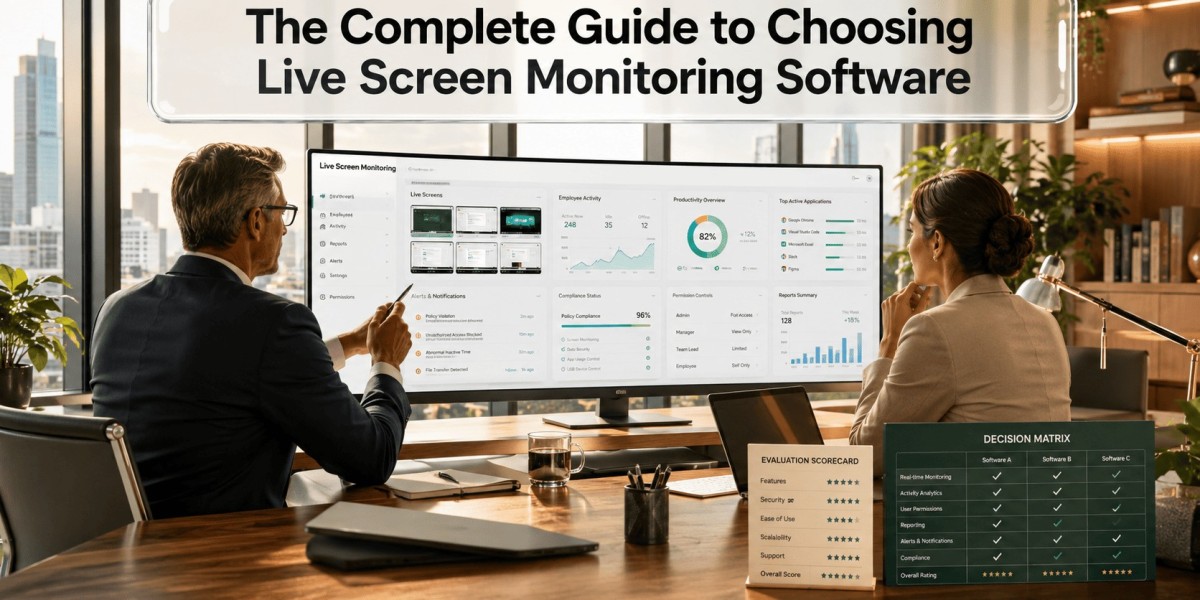
If you're wondering how businesses monitor work activity while maintaining productivity and security, the answer often lies in live screen monitoring software. It enables managers and IT teams to view employee screens in real time, identify workflow issues, detect security risks, and provide immediate support when needed.
The right solution doesn't just improve visibility—it helps organizations strengthen accountability, streamline operations, and create a more efficient work environment. However, selecting the right platform requires understanding which features truly matter and how they align with your business goals.
What Is Screen Monitoring?
Screen monitoring is the process of viewing or recording employee computer activity during working hours. Live screen monitoring software enables organizations to observe employee screens in real time, helping improve operational efficiency, protect sensitive information, and ensure company policies are followed.
Modern monitoring solutions go beyond simple screen viewing by offering insights into application usage, website activity, productivity trends, and potential security concerns.
Businesses across industries—including healthcare, finance, IT, customer support, and remote work environments—use these platforms to maintain visibility while supporting employees more effectively.
Why Do Businesses Use Screen Monitoring Solutions?
Companies adopt monitoring technology for several practical reasons:
- Improve team accountability
- Detect workflow bottlenecks
- Strengthen data security
- Reduce unauthorized activities
- Support remote and hybrid employees
- Improve employee coaching and training
- Ensure compliance with company policies
Rather than focusing solely on surveillance, many organizations use monitoring data to identify opportunities for improvement and provide timely assistance.
Essential Features to Look For
Choosing the right solution requires evaluating features that deliver both visibility and business value.
Real-Time Screen Viewing
Managers should be able to securely view employee screens whenever operational support or issue resolution is needed.
Activity Tracking
Comprehensive activity monitoring provides insights into:
- Active and idle time
- Website usage
- Application usage
- Login and logout history
- Work session duration
Screenshot Capture
Automatic screenshots create visual records that help managers review work processes without continuously watching employees.
Alerts and Notifications
Smart alerts notify administrators about unusual activities, unauthorized applications, or policy violations.
Reporting Dashboard
Detailed reports transform monitoring data into actionable insights that support better decision-making.
Cloud Accessibility
Cloud-based platforms make it easier for administrators to monitor distributed teams from anywhere while maintaining centralized management.
How Does It Improve Business Performance?
Effective monitoring contributes to better business outcomes in multiple ways.
Better Productivity
Managers gain visibility into work patterns, allowing them to identify distractions and optimize workflows without relying on guesswork.
Faster Problem Resolution
Real-time visibility helps supervisors quickly assist employees experiencing technical or workflow issues.
Stronger Security
Monitoring helps detect suspicious behavior before it develops into a larger security incident.
Improved Compliance
Organizations handling sensitive customer or financial information benefit from better oversight and documentation.
Data-Driven Decisions
Reports reveal long-term productivity trends that support staffing, training, and operational planning.
Many organizations also integrate monitoring capabilities with workforce productivity software to combine employee performance analytics, attendance tracking, project visibility, and productivity reporting into a single management platform.
How to Choose the Right Solution
Not every monitoring platform offers the same capabilities. Before making a decision, consider these factors.
Define Your Business Goals
Ask yourself:
- Are you improving productivity?
- Strengthening security?
- Managing remote teams?
- Supporting compliance requirements?
Your objectives should determine your feature priorities.
Evaluate Ease of Use
A simple interface reduces training time and encourages adoption across your organization.
Check Scalability
Choose software that can grow alongside your business without requiring a complete replacement later.
Review Security Standards
Look for features such as:
- Encryption
- Role-based access
- Secure cloud storage
- Audit logs
- Data privacy controls
Integration Options
The best solutions connect smoothly with HR systems, project management tools, attendance software, and collaboration platforms.
Reporting Capabilities
Customizable reports help managers focus on the metrics that matter most to their organization.
Best Practices for Ethical Monitoring
Technology works best when employees understand why it's being used.
Follow these best practices:
- Clearly communicate monitoring policies.
- Focus on productivity rather than micromanagement.
- Monitor only during working hours.
- Protect employee privacy.
- Limit access to monitoring data.
- Use insights for coaching instead of punishment whenever appropriate.
Transparent communication builds trust while ensuring monitoring remains fair and compliant.
Common Mistakes to Avoid
Businesses often reduce the effectiveness of monitoring by making avoidable mistakes.
Avoid:
- Selecting software based only on price
- Ignoring employee communication
- Monitoring without clear objectives
- Failing to review reports regularly
- Overlooking security and compliance features
- Choosing tools that cannot scale
A strategic implementation delivers significantly better long-term results than simply installing software.
You can also watch this video: How to Monitor Employee Screens in Real-Time with EmpMonitor
Summary
Selecting the right live screen monitoring software involves much more than comparing feature lists. The best solution supports productivity, strengthens security, improves operational visibility, and helps managers make informed decisions using reliable workplace insights.
By focusing on business goals, transparency, scalability, reporting, and user-friendly functionality, organizations can implement monitoring practices that benefit both employees and management while creating a more productive and secure workplace.
Frequently Asked Questions
What is live screen monitoring?
It is a method of viewing employee computer screens in real time to improve productivity, security, operational support, and compliance.
Is screen monitoring legal?
Yes, in many regions it is legal when businesses comply with applicable labor and privacy laws and clearly inform employees about monitoring practices.
Who benefits from screen monitoring?
IT teams, HR departments, operations managers, customer support teams, and organizations managing remote or hybrid employees benefit the most.
What features should businesses prioritize?
Look for real-time viewing, activity tracking, reporting, alerts, screenshot capture, secure cloud access, and integration with existing business systems.
Can screen monitoring improve productivity?
Yes. When used responsibly, it helps identify workflow inefficiencies, provides coaching opportunities, and supports better resource management.